When we talk about digital accessibility, many people first think about people with disabilities. That is partly true. But the picture is much broader.
The digital world is now part of everyday life. We handle tasks, learn, work, and stay in touch. If a website or an app is hard to use, it is not just inconvenient. It can simply exclude someone.
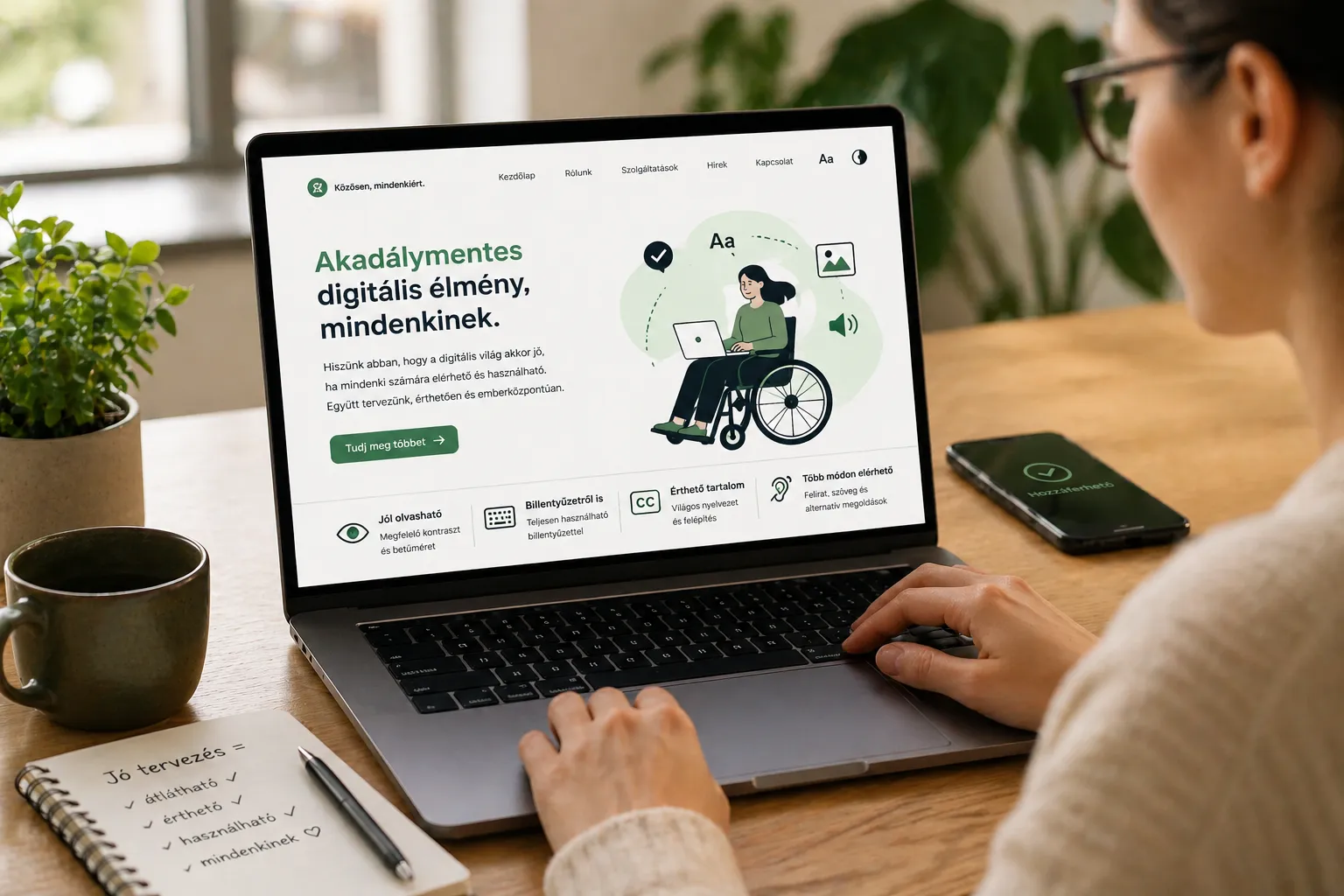
What does accessibility mean?
In short, it means that a digital product can be used by as many people as possible. Without special help, or with only minimal support.
This can affect things like:
- vision
- hearing
- movement
- understanding and focus
And it is not only about permanent conditions.
Think about it:
- you are using your phone in bright sunlight
- you are trying to watch a video in a noisy place
- you have an injured hand and can only use one hand
- you are tired and long texts are harder to follow
In these situations, you are affected too.
A simple example
Imagine a website where everything is written in light grey on a light background.
It may look elegant. In reality, it is hard to read.
Good contrast does not only help people with low vision. It makes reading faster and easier for everyone.
Another example.
A video without subtitles.
If you cannot hear the audio clearly, or you cannot turn on sound, the content is lost. A simple subtitle fixes this right away.
Not an extra feature
A common belief is that accessibility is something extra. Something to add later if there is time and budget left.
In reality, it should be part of the foundation.
There is also a growing legal aspect. The European Union has introduced the European Accessibility Act, which sets accessibility requirements for more and more digital products.
A well designed and thoughtful interface:
- communicates clearly
- causes fewer errors
- reaches more people
This is not only a social topic. It is about quality.
Where to start?
You do not need to learn standards or run an audit right away.
A few simple steps already make a difference:
- Use readable font sizes
- Pay attention to color contrast
- Do not rely on color alone to show information
- Add subtitles to videos
- Make sure the interface works with a keyboard
If you focus on these, your product becomes much more inclusive.
Why does this matter to us?
Accessibility is about people.
It is about whether someone can:
- read the information
- understand it
- complete a task
- stay until the end
A small design decision can make a real difference for someone.
A final thought
The digital space is not separate from the real world. It is a shared space, just like a street or a building.
If we care about access there, it makes sense to care here as well.
It does not have to be perfect. It is enough to start paying attention.
The programs of Lumen Association include awareness workshops, training sessions, and community events that aim to create a more inclusive environment. We also focus on supporting nonprofit organizations and public institutions with free accessibility audits and tailored guidance, so that more spaces become truly usable for everyone.
As a nonprofit organization, we do not carry out business activities and we do not have a steady source of income. These efforts are only possible with community support. If it is important to you that digital spaces are usable and accessible for everyone, please consider supporting our work.